
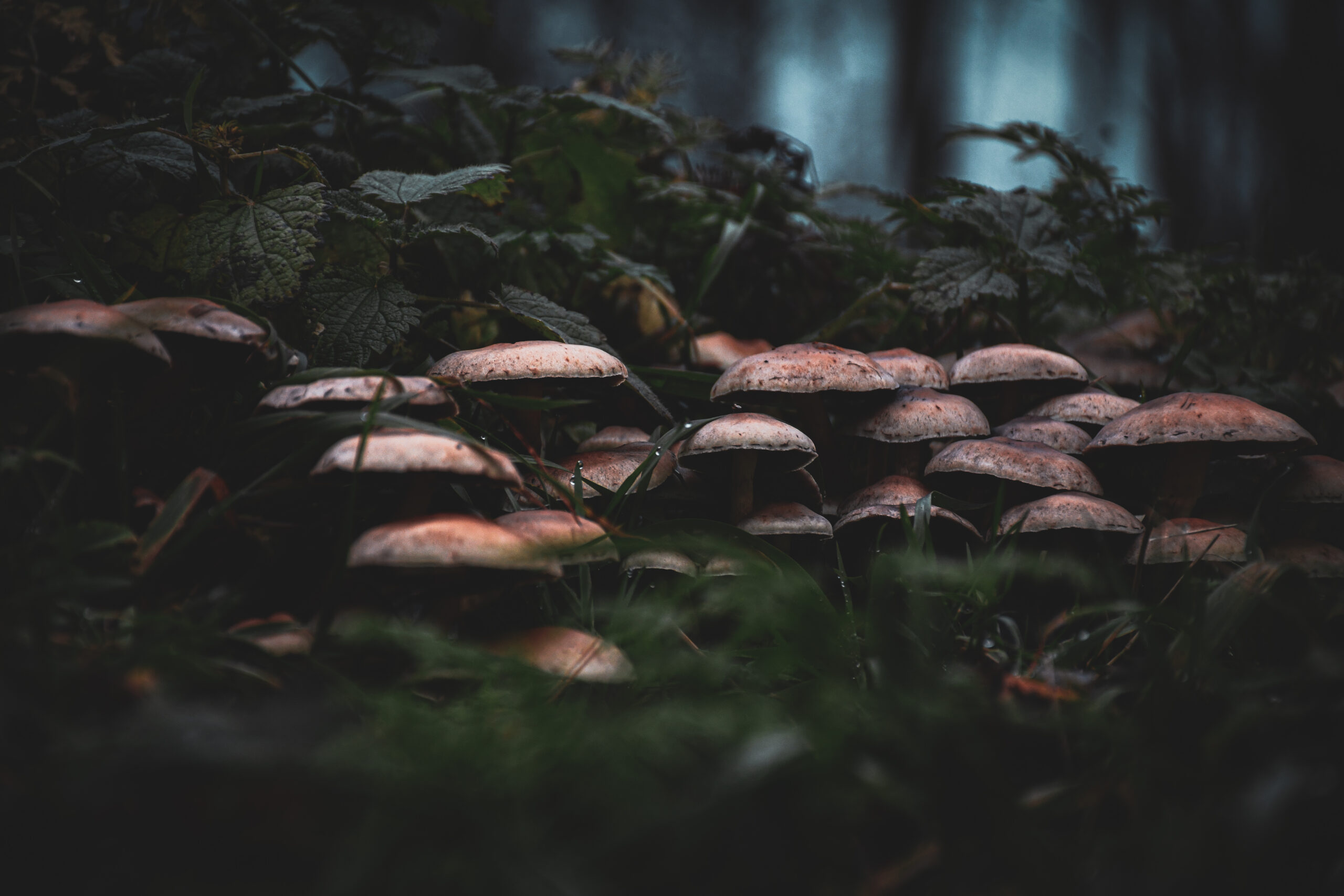
What Is the Moody Dark Lightroom Preset?
The Moody Dark Lightroom Preset by Jasper Raw is a free editing tool designed to create deep, cinematic tones that emphasize emotion, texture, and contrast. It’s perfect for photographers who love a mysterious, forest-inspired mood — one that blends muted greens, dark shadows, and soft light into a painterly aesthetic.
Whether you’re shooting in misty woods, rainy city streets, or dimly lit interiors, this preset enhances the natural atmosphere by pulling out depth from shadows while preserving important details. It’s more than just a color adjustment — it’s a storytelling tool.


Inspiration Behind “Moody Dark”
The preset was born from a love for melancholic natural light — the kind that filters through dense trees after rain, highlighting texture in moss and mushrooms. It captures the stillness of the forest, the quiet mood of overcast days, and the deep connection between subject and setting.
Who Is Jasper Raw?
Jasper Raw is a digital creator known for crafting visual tones that bring photographs to life through color balance and emotional narrative. His presets, particularly Moody Dark, are widely used by photographers who want their work to feel cinematic, authentic, and timeless.
Visual Aesthetic – Embracing the Shadows and Light
The Moody Dark preset thrives on contrast — dark shadows meet soft, diffused highlights, producing a low-key yet luminous look. It gives your photos a natural sense of mystery without over-saturating or flattening them.
Below are real-world examples showcasing its results using your forest and mushroom photography:
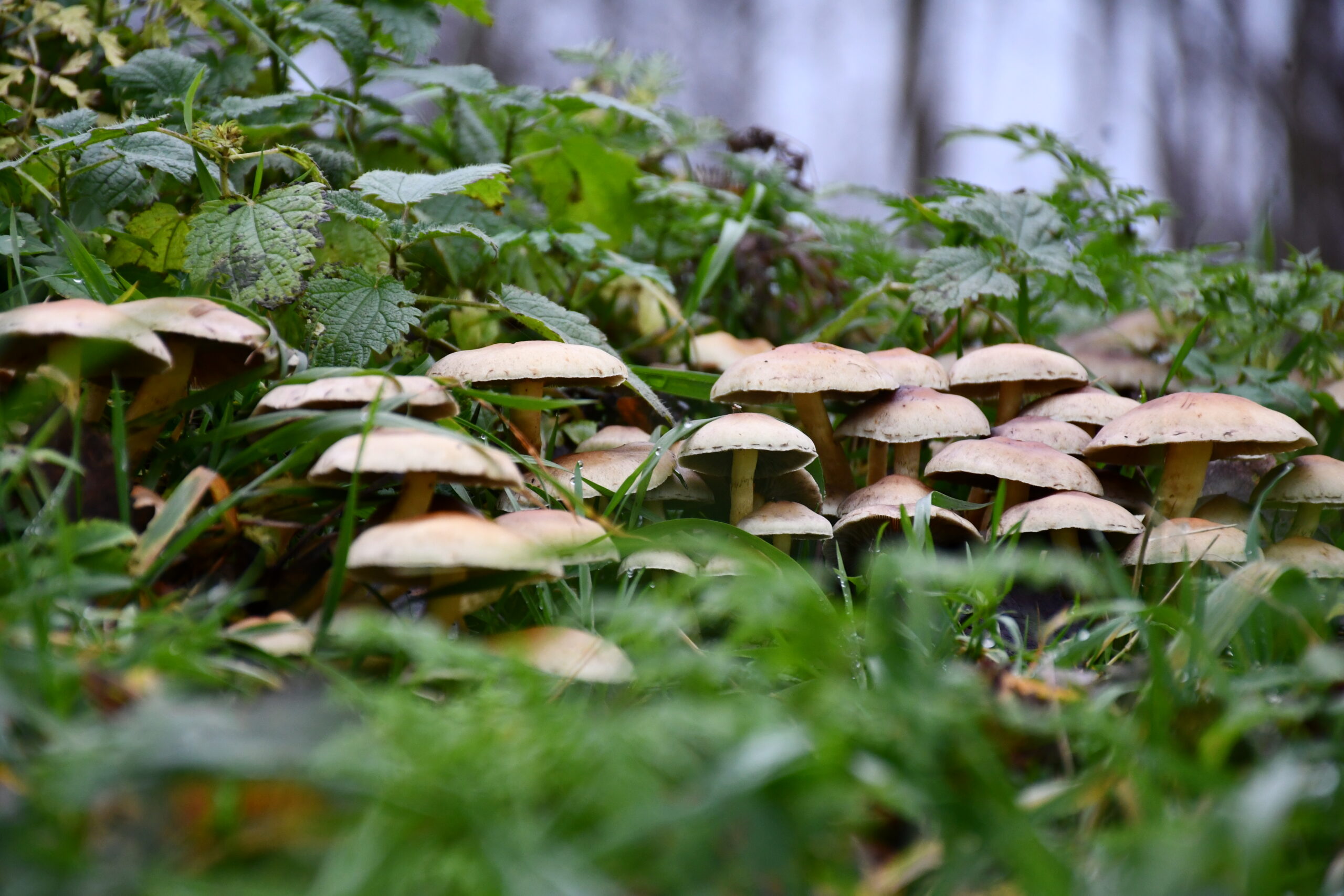

- The mushrooms glisten with rain, surrounded by damp, green foliage.
- Subtle shadows add depth while soft light defines texture.
- Each photo feels like a quiet moment in nature, preserved in cinematic tones.
The Signature Look: Deep Greens, Muted Browns, and Soft Highlights
The preset carefully desaturates greens while slightly warming shadows, creating an earthy palette. Browns and grays become rich and nuanced, giving every scene a nostalgic, filmic quality.
How It Transforms Nature Photography
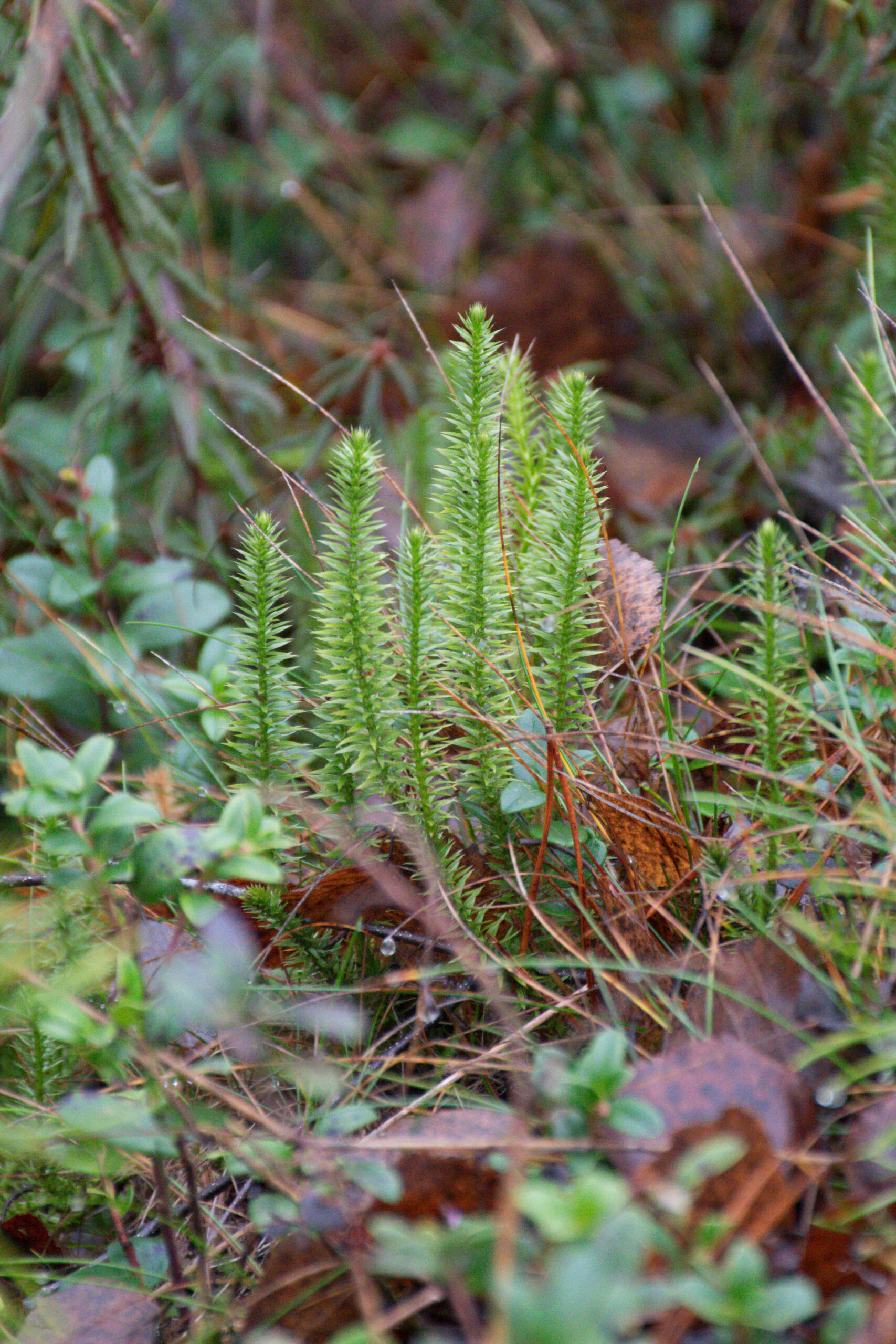
Natural elements like moss, leaves, and mushrooms appear more sculpted under this preset. The Moody Dark tone curve lifts midtones while pulling shadows slightly downward — resulting in soft, deep contrasts that feel like dusk or early morning light.
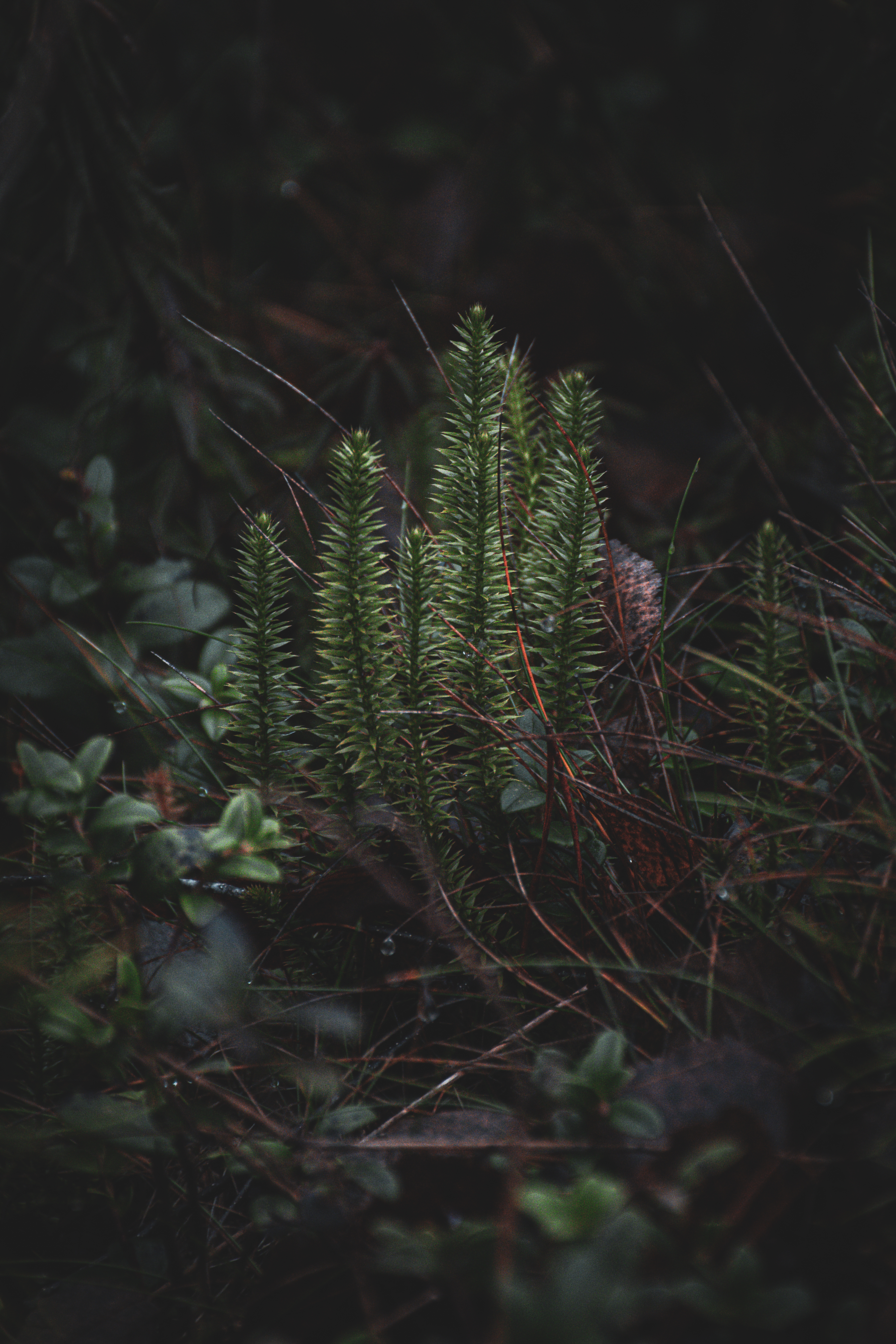
Key Features of the Moody Dark Preset
- Balanced highlights and low contrast for cinematic texture.
- Muted color palette with deep greens and natural browns.
- Enhanced micro-contrast for improved detail.
- Film-like grain and matte black levels.
- Works on both RAW and JPEG images.
Dynamic Range Control
The preset ensures your highlights never blow out while preserving rich shadow detail — essential for forest or portrait photography.
Natural Skin and Texture Preservation
While moody, the preset doesn’t destroy skin tones or over-process texture. It’s ideal for environmental portraits or lifestyle shots where you want authenticity to shine through.


How to Download and Install the Moody Dark Preset (Free)
You can download the Moody Dark Lightroom Preset by Jasper Raw absolutely free — it’s quick and simple!
To receive your preset, just enter your name and email address in the form below, and the preset file will be automatically sent to your email inbox within minutes.
Once you receive the email, simply follow the included guide to install it on Lightroom Desktop and start editing with the Moody Dark cinematic tone right away.
Note: Your information is safe and will only be used to deliver your free preset and related updates from Jasper Raw.
For Desktop Users (Lightroom Classic)
- Open Lightroom Classic.
- Go to Develop → Presets panel.
- Click “+” → Import Presets.
- Select the .xmp file you downloaded.
- The preset will appear under “User Presets.”
When to Use the Moody Dark Preset
This preset shines in overcast, foggy, or shaded lighting conditions. It’s ideal for:
- Nature Photography – mushrooms, forests, riversides.
- Portraits – low-key, emotional portraits with soft highlights.
- Editorial Work – moody storytelling for magazines or blogs.


Tips to Customize the Moody Dark Preset
While the default look is stunning, fine-tuning can make it perfect for your photo style.
- Increase Exposure slightly for brighter subjects.
- Adjust Temperature for warmth or coolness.
- Lower Greens in the HSL panel for consistency.
- Add Vignette for cinematic framing.
Frequently Asked Questions (FAQ)
1. Is the Moody Dark Lightroom Preset really free?
Yes! Jasper Raw offers it as a free download for all photographers.
2. Can I use it on Lightroom Mobile?
Absolutely. It’s fully compatible with Lightroom Mobile on iOS and Android.
3. Does it work with JPEG images?
Yes, but you’ll get the best results with RAW files.
4. How do I make the preset look less dark?
Simply increase exposure or adjust shadows in the Develop panel.
5. Can I use this preset for portraits?
Definitely — it keeps skin tones natural while enhancing depth.
6. Is it suitable for professional use?
Yes. Many photographers use it for commercial, editorial, and fine-art projects.
Conclusion – Elevate Your Photography with Moody Dark
The Moody Dark Lightroom Preset by Jasper Raw is more than just an editing shortcut — it’s a creative tool that redefines atmosphere and tone. Whether you’re capturing misty forests or quiet portraits, this preset brings cinematic drama and emotional depth to your photos.
You can download the Moody Dark Lightroom Preset by Jasper Raw absolutely free — it’s quick and simple!
To receive your preset, just enter your name and email address in the form below, and the preset file will be automatically sent to your email inbox within minutes.

Leave a Reply