How to Sell Photos on Adobe Stock
59.4° N 24.8° E TALLINN, ESTONIA 2026 No. 06 / 17
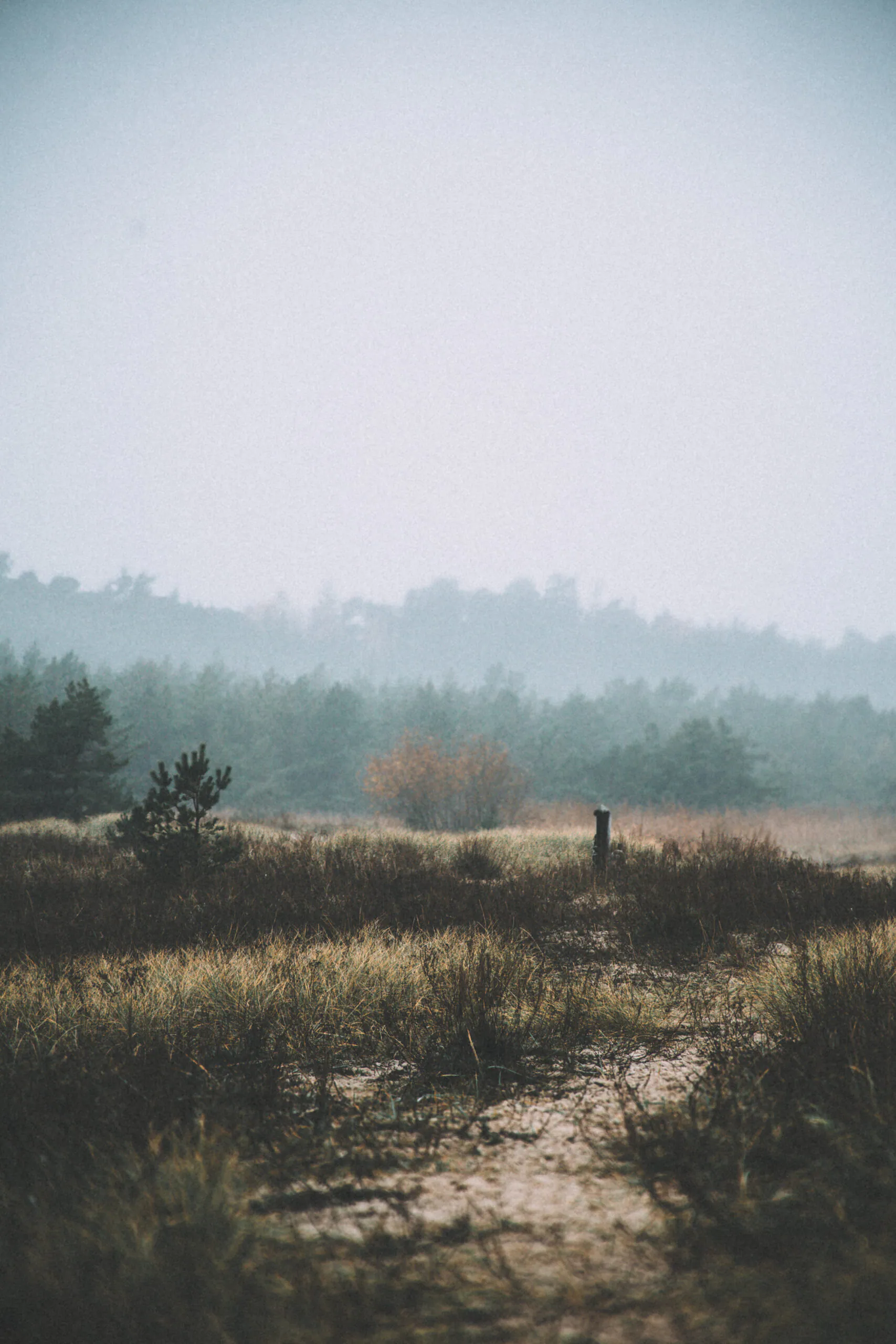
Create a free Contributor account and treat your first upload as a controlled test of file quality and buyer usefulness. Select and prepare photographs that meet Adobe’s file rules, add accurate titles and keywords, attach any required releases, and submit the files for moderation. Accepted files become available to license, but acceptance does not guarantee a sale.
The distinction matters: technical approval and commercial usefulness are two different things. A clean file may pass review without giving an editor a reason to license it. A beautiful portfolio photograph may also fail review because of missed focus, artefacts, inaccurate metadata, unresolved rights, or excessive similarity to other submissions.
From camera file to marketplace
The Adobe Stock Contributor workflow is straightforward, even if the decisions inside it are not:
- Create a Contributor account and complete the requested profile, tax and payment information.
- Photograph with a possible use in mind, then cull the shoot.
- Inspect the strongest files at full size and edit only those worth finishing.
- Check people, property, artwork, brands and other rights-sensitive details.
- Export to Adobe’s current specification and inspect the exported JPEG.
- Upload, write a literal title, order the keywords, complete the required submission information and attach releases.
- Submit for Adobe review.
- Study the result—accepted or rejected—before preparing the next batch.
This is more useful than memorising the position of every Contributor portal button. Interfaces change; the sequence of photographic, legal and descriptive checks does not.

Start with a small, deliberate first batch
Do not begin by sending the contents of a hard drive. Choose a manageable group of technically comparable, rights-clear photographs. I would rather submit six genuinely different pictures than twenty near-identical frames from one sequence. Six is an editorial suggestion, not an Adobe requirement; the point is to keep the test small enough that its feedback remains useful.
Include meaningful variation: perhaps the strongest horizontal, the strongest vertical, and a genuinely different composition or action. Do not upload ten files whose only difference is a slight camera movement. Adobe’s similar-content guidance asks contributors to curate variations rather than submit repetitive material.
For each candidate, ask: Who could realistically license this image, and for what? The answer might be a magazine editor illustrating fungi, a travel publisher needing an Estonian landscape, or an environmental organisation designing a campaign. You do not need a precise buyer persona. You do need some use beyond “I like this frame.”
Adobe Stock photo requirements
Adobe currently specifies the following hard requirements for photographs:
- Format: JPEG.
- Colour space: sRGB.
- Resolution: 4 to 100 megapixels.
- Maximum file size: 45 MB.
- File preparation: do not enlarge a file merely to reach the minimum resolution.
Check the official photography and illustration requirements before export because platform specifications can change. Meeting them makes a file eligible for review; it does not mean the photograph will pass quality or rights moderation.
Adobe does not require a particular Lightroom slider recipe. In practice, export from a finished full-resolution edit in sRGB without unnecessary upscaling. Use enough JPEG quality to preserve fine detail without breaching the file-size limit, rather than inventing a platform minimum Adobe has not published.
Inspect before you upload
Review the final JPEG at 100% or another view that shows its actual pixels clearly. Lightroom’s grid and a small browser preview can hide precisely the faults a moderator will find. Check the export, not only the RAW edit, because resizing, output sharpening and JPEG compression can introduce or reveal problems.
- Focus and movement: confirm critical focus on the intended subject and separate shallow depth of field from accidental softness. Missed focus cannot be restored by extra sharpening.
- Edges and detail: look for chromatic aberration, sharpening halos, jagged edges and JPEG artefacts. Excessive noise reduction can turn foliage, skin or fabric into plastic texture.
- Tone and colour: inspect clipped highlights, empty crushed shadows, implausible colour casts and banding in smooth skies or gradients.
- Sensor and retouching marks: scan skies and flat areas for dust; inspect repeated cloning patterns, smeared healing and broken edges around removed objects.
- Noise: judge luminance and colour noise in shadows as well as the main subject. A clean thumbnail can still contain coarse full-size noise.
- Rights-sensitive details: zoom into clothing, vehicles, packaging, signs, tattoos, posters and screens for branding or artwork missed during the edit.
Any of these issues can contribute to rejection depending on severity and context; none should be treated as an automatic verdict in every file. Strong colour grading is not inherently wrong either, but an extreme look can reduce the image’s flexibility for a designer. If you begin with the Moody Dark Lightroom preset, treat it as a starting point and judge the licensable export independently.

Metadata buyers can actually find
A useful title states the primary subject, action and setting visible in the frame. It is a description, not a caption about the photographer’s feelings and not a string of synonyms.
Weak: “Beautiful autumn feeling”
Better: “Red maple leaves on wet forest floor in autumn”
The second title gives a buyer concrete information. Apply the same rule to keywords: describe what the buyer can see before describing what you personally felt while photographing it. A morning may have felt peaceful after a difficult week, but “foggy forest path in autumn” describes searchable visual content.
Adobe permits up to 49 keywords and says keyword order matters, with the first ten given greater priority. Use the available space only when each term remains relevant; 49 weak keywords are not better than a shorter accurate set. Follow a visual hierarchy:
- primary subject;
- other visible subjects;
- action;
- location or environment type;
- visible colour, weather, season or composition;
- relevant concepts a buyer could reasonably infer.
For a woodland fungi photograph, mushroom, forest, fungi, woodland, moss, wet, autumn usually belong ahead of mystery, serenity or inspiration. Avoid species, places, activities and concepts the image does not support. Adobe’s title and keyword guidance is the authority for current limits and ordering.
Rights are part of the file
For commercial stock, a recognisable person generally requires a model release. Recognisability is not limited to a clear face: distinctive features, context or other details may identify someone. Minors require the appropriate parent or legal guardian signature. Link every signed release to the relevant shoot and files so permission remains traceable rather than living as an unnamed PDF. Use Adobe’s current model-release guidance for the final submission decision.
A property release is more contextual. Identifiable private property, distinctive interiors, copyrighted artwork, protected architecture or design, and other rights-controlled subjects may require permission. That does not mean every photograph of a house needs a property release. Ownership, visibility, creative significance and the licence category can matter; check Adobe’s property-release requirements rather than guessing.
Before uploading, inspect clothing logos, car badges, product labels, packaging, signs, tattoos, artwork, posters, device screens and distinctive branded architecture. They are not all automatically prohibited, but they can create intellectual-property problems or limit the appropriate submission category. Adobe’s known image restrictions provide platform-specific guidance. This workflow follows contributor requirements; it is not independent legal advice.
If generative fill or another generative tool has materially created or altered content, check Adobe’s generative AI contributor guidelines. Qualifying assets must be labelled through the portal’s generative-AI control, must comply with IP rules, and may require the “people and property are fictional” designation where applicable. Ordinary colour, exposure and tonal editing is not the same as submitting generative content.
Treat review as diagnostic feedback
After you complete the required information and press submit, Adobe moderates the asset. It is then accepted into the marketplace or rejected with a reason. Review time varies, so do not build a schedule around an unguaranteed turnaround.
Rejections can concern technical quality, intellectual property, missing or invalid releases, metadata, similar content, non-compliant content, or generative-AI labelling and suitability. Read the reason attached to the file and compare it with Adobe’s current guidance rather than assuming every refusal means “not commercial enough.” Commercial usefulness is a photographer’s selection test, not presented here as an official Adobe rejection label.
If several images from one shoot receive the same technical rejection, stop submitting that set. Compare capture settings, focus placement, shadow noise, shared edits and export settings. A colour cast or over-sharpening may be correctable from a sound RAW file. Missed focus, severe motion blur or absent rights may make choosing another photograph the better decision. Do not resubmit blindly.
Adobe Stock royalties and payouts
Adobe publishes a 33% royalty rate for standard photos, vectors and illustrations. That does not mean every download pays 33% of the single-image price displayed on Adobe’s website: the buyer’s subscription or licence plan and Adobe’s minimum-royalty rules can affect the calculation. The royalty details explain the current formula and plan exceptions.
You can request a payout once earnings reach US$25 and at least 45 days have passed since your first sale. Adobe currently supports PayPal, Payoneer and Skrill, subject to location and account availability. A validated tax form can affect withholding, so complete the tax information rather than treating gross royalties as a guaranteed net amount. Confirm the process in Adobe’s getting-paid guidance.
Uploading does not guarantee licensing or revenue. Results depend on buyer demand, subject relevance, portfolio depth, competition, metadata, seasonality, technical quality and changing licensing trends. The useful goal of a first batch is evidence: what passes, what fails, and what is worth producing more carefully.
Approval is only the first filter
A portfolio image can succeed through mood, ambiguity or a highly personal grade. A stock image also needs a plausible use. Buyers often need a clearly readable subject, copy space, a useful horizontal or vertical orientation, an understandable action, or room to adapt colour and text. This does not require every photograph to be bright, sterile or generic. It means photographic quality and usability must meet in the same file.
Before the next shoot, consider making purposeful variations instead of accidental duplicates: one composition with clean copy space, one closer view that identifies the subject, or a vertical frame intended for a cover. Keep the strongest treatment, not every exposure. If Adobe is only one possible channel, compare it with the photographer’s guide to selling photos online.
First-batch checklist
- The file is a JPEG, sRGB, 4–100 MP and no larger than 45 MB.
- Critical focus, movement, noise, banding, dust, halos and retouching survive full-size inspection.
- The exported JPEG—not only the Lightroom preview—has been checked.
- Logos, artwork, signs, screens and other IP-sensitive details have been reviewed.
- Every recognisable person and rights-sensitive property has the correct release status.
- The title names the visible subject, action and setting without keyword stuffing.
- The strongest, most literal keywords come first; irrelevant concepts are removed.
- Generative content or edits are declared when Adobe’s current policy requires it.
- Near-duplicates have been cut in favour of meaningful variations.
- You can name at least one plausible use for each submitted photograph.
Discussion
Thoughts on this story?
A quiet place for questions, experience and considered discussion.
Discussion guidelines
Stay relevant and constructive. No spam or harassment; links may be moderated.
Opening the discussion…